 NOBLE FATES
Noble Fates UI tips: alerts, search, and hotkeys
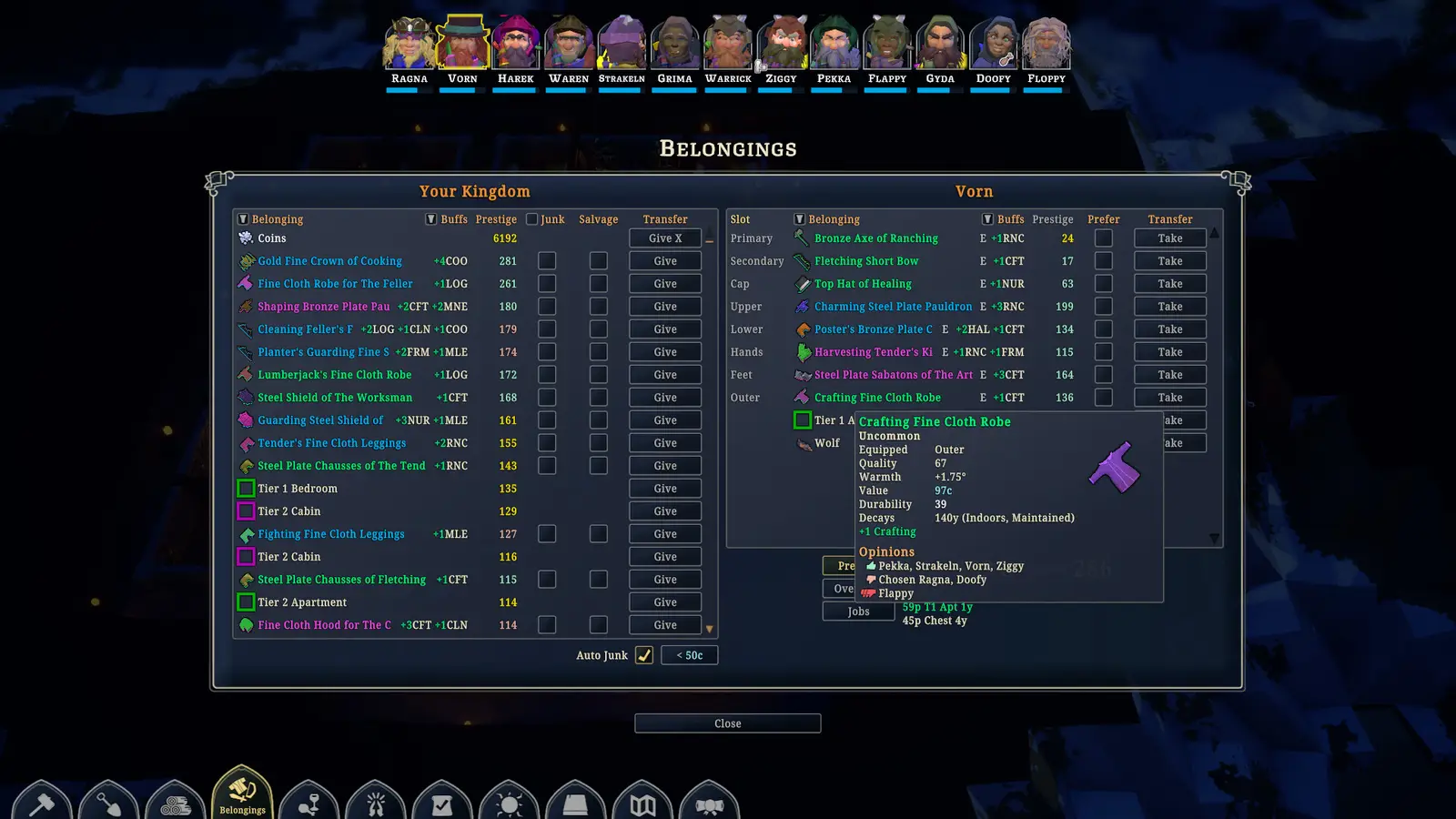
Speed steps are pause, half, normal, 3x, and 10x. F9 hides the interface for a screenshot. World notifications, as of the 2022 developer reply and the 1.0 notes, still have no bulk-clear button. There is no global item search, only stockpile and belongings filters.
| Fact | Detail | Status |
|---|---|---|
| Speeds | Pause, 0.5×, 1×, 3×, 10× | 1 source · see Sources |
| F9 | Hide the interface | 1 source · see Sources |
| Views | Level change, roofs, temperature overlay, UI toggle | 1 source · see Sources |
| Alerts | Open and scroll. Bulk clear was still a to-do in 2022. 1.0 mentions color and pulse only. | 1 source · see Sources |
| Search | Belongings and stockpile filters, not a global box | 1 source · discussions |
Speed and the roof switch are the daily keys
The settings names are enough to play without a printed card. Pause, half speed, normal, triple, and ten times. You can change the visible level, hide roofs, and turn on a temperature overlay. F9 clears the chrome for a picture. A tool button arrived in 0.28.2.2. I am listing those because they are named. I am not listing a dozen camera keys the posts never enumerated.
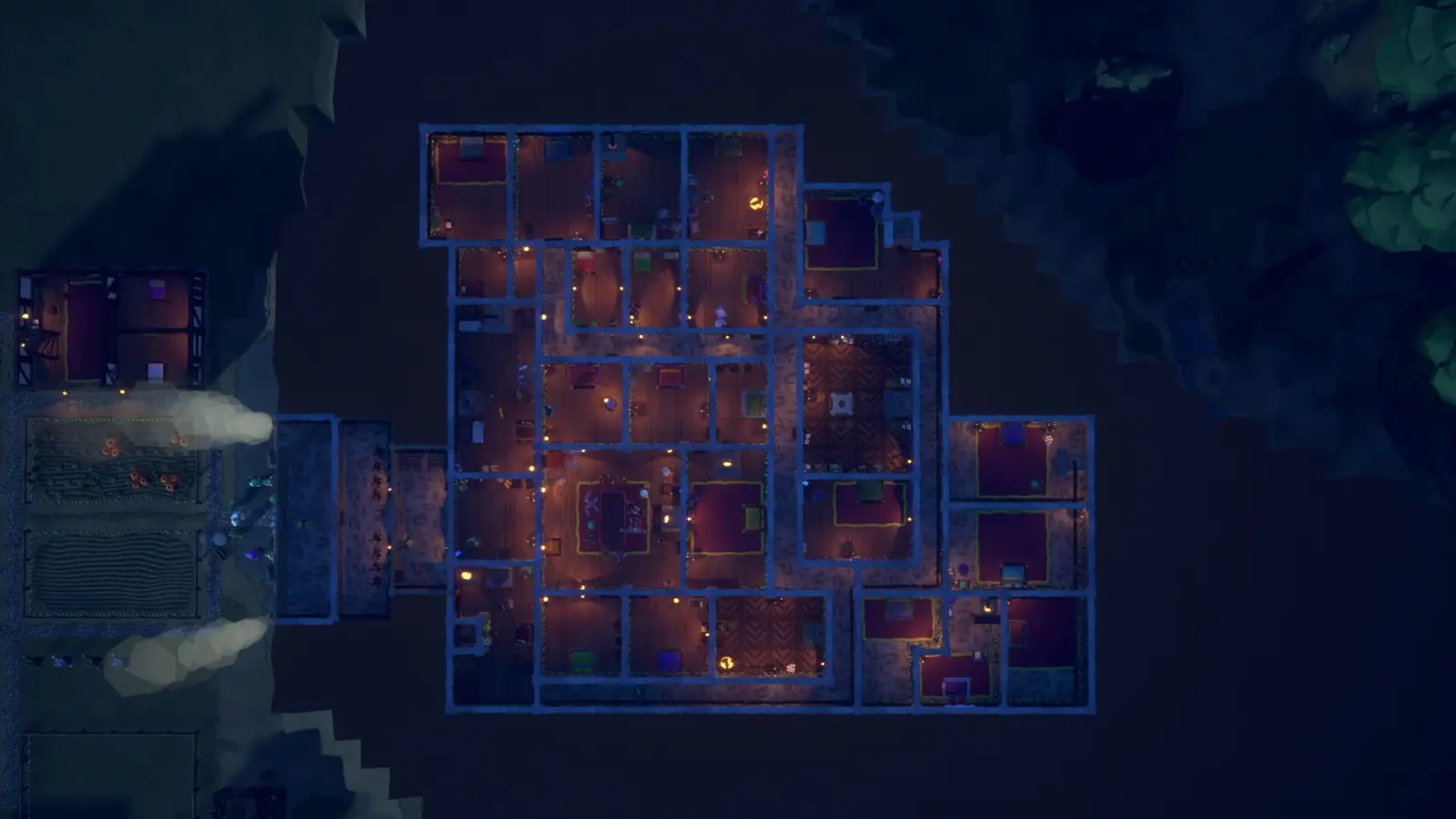
Temperature overlay is the heating page’s friend. If a stove is complaining, look at the overlay before you demolish a wall. The overlay is a view, not a fix. The fix is still a free heat source.
Alerts do not have a sweep button
A 2022 developer reply said world notifications could be opened and scrolled, and that clearing them in bulk was on a to-do list. The 1.0 notes talk about color and pulse. They do not announce that the to-do shipped. I will not tell you to press a key I cannot cite. Visitor notifications can be turned off. That is the closest switch.
Searching “a specific item” also disappoints people coming from games with a global finder. The public UI is belongings and stockpile filters. Type in those lists. If the item is on a noble, it is not in the stockpile, and the filter will not conjure it. Hauling in 1.0 lets carriers keep goods in their hands, which makes the stockpile lie until they arrive. Wait for the hauler before you conclude the item was deleted.
Questions people actually ask
How do I hide the UI?
F9.
How do I clear every alert?
You open and scroll them. A bulk clear was a to-do, and 1.0 did not say it shipped.
Where do I search an item?
Belongings and stockpile filters. There is no global search box in the notes.
Related pages
Sources
- Steam: world notifications — checked 2026-11-15
- Steam: hide interface — checked 2026-11-15
- 1.0 news — checked 2026-11-15